Plan another day
Check tomorrow, next weekend, or any date you have in mind.
A calmer way to read the sky
Plan golden hour, blue hour, moonlight, and cast shadows in one clear, visual day. The app needs no account or tracking, and its core planner works without a network connection.
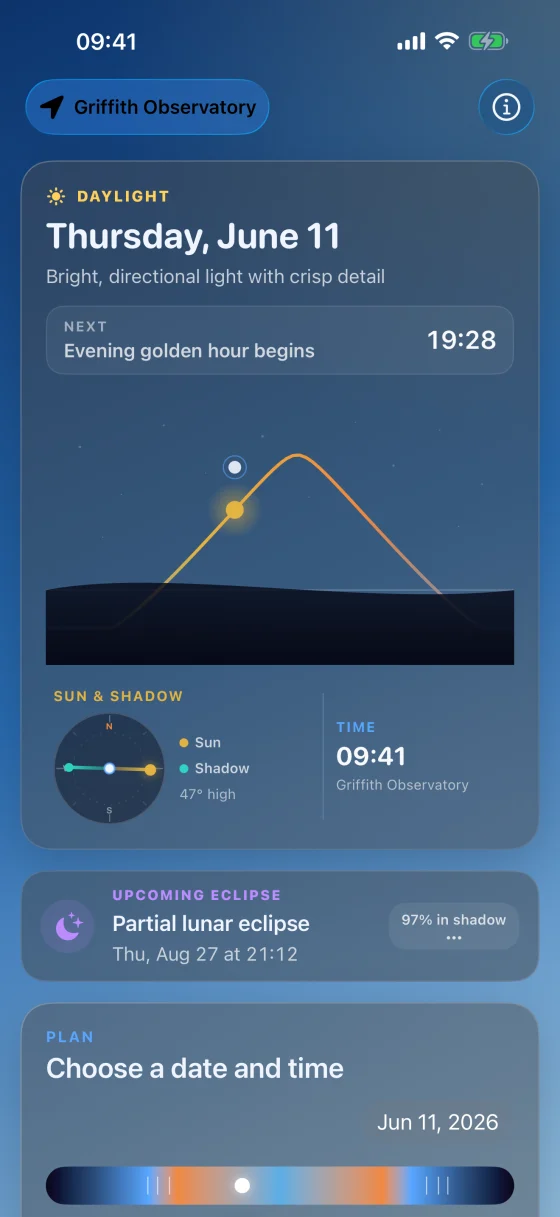
Horizons, made visual
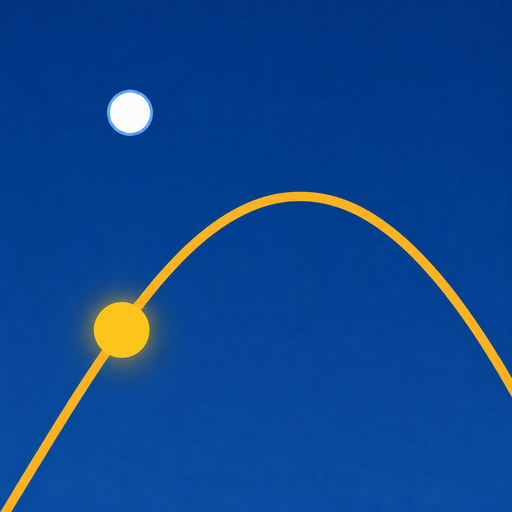
See the Sun and Moon move through the next 24 hours, read today's blue and golden light, and put real shadow geometry on a compass — all calculated for where you are.
This live web observatory uses the Moon Shadows sky oracle. The app performs the same kind of astronomy on-device and keeps its core planner offline.
API access and the astronomy behind itRequest a token from the API page. It stays in this page’s memory and is sent only to the Moon Shadows sky oracle.
A day of light from one coordinate
Your location unlocks a live horizon plot, sunrise and sunset, moonrise and moonset, the light timeline, lunar phase, and cast-shadow direction.
The browser rounds your location to roughly 100 metres before the oracle calculates this view. Coordinates are excluded from request logs and are not saved by this page. See the details
Move through the light
Drag through time and watch the sky, sun, shadow, light window, and moon update together. Tap sunrise, golden hour, sunset, or blue hour to jump straight to the moment that matters.
Check tomorrow, next weekend, or any date you have in mind.
Plain language explains what the light will feel like outside.
Griffith Observatory is built in, so every feature works before location access.
Made to be read at a glance
Move from the full-day planner to a plain-language guide, then choose the sky you want to understand.
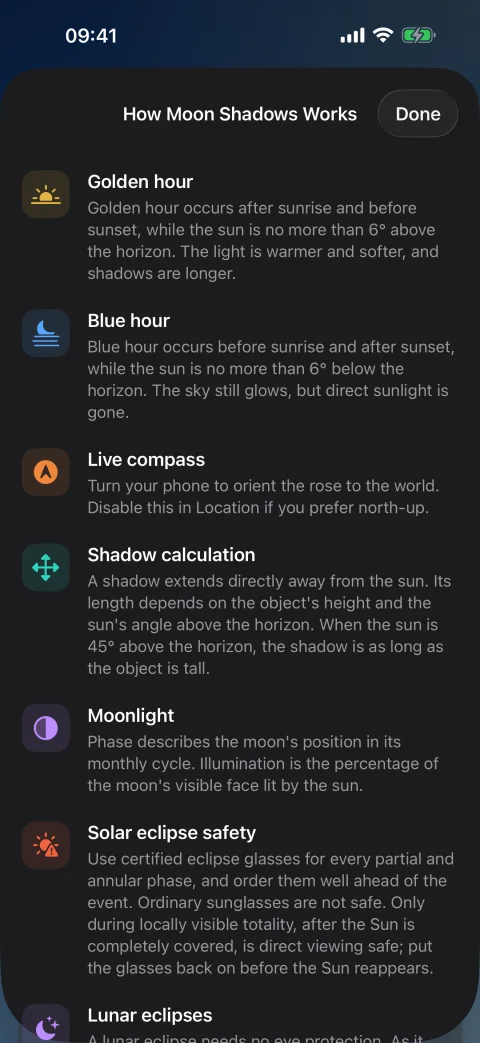
Guide
See what the current light means, what changes next, and how long you have before it does.
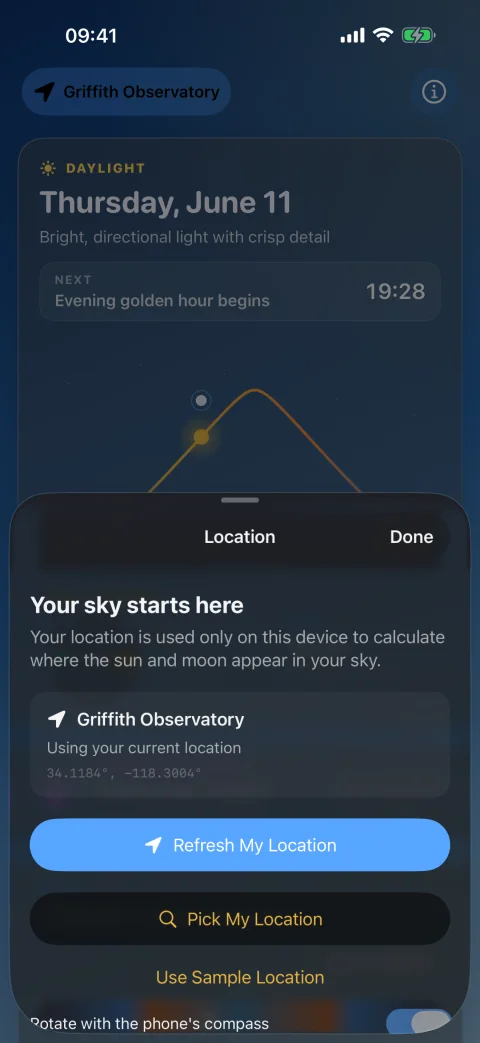
Location
Begin with Griffith Observatory, use your current location only when you choose, or temporarily plan for a city you search.
Light windows
See blue hour, sunrise, golden hour, sunset, and twilight in one tappable timeline.
Cast shadows
Enter an object's height and get the shadow's compass bearing and expected length.
Moonlight
See phase, illumination, position, moonrise, moonset, and whether moonlight can cast a visible shadow.
Ask for the useful answer
Five focused actions give complete spoken answers through Siri on iPhone, iPad, and Apple Watch. The same actions are ready to combine with your own automations in the Shortcuts app.
Each action opens Moon Shadows and uses one foreground location reading that you have already authorized. It never tracks location in the background or presents the Griffith Observatory sample as your real sky.
“What's the next light change in Moon Shadows”
“When is golden hour in Moon Shadows”
“Where is the moon in Moon Shadows”
“Check my shadow in Moon Shadows”
“When is my next eclipse in Moon Shadows”
On your wrist
The Apple Watch app carries the same calm planner into four focused pages: Now, Plan, Shadow, and Moon. Turn the Digital Crown to move through the day.
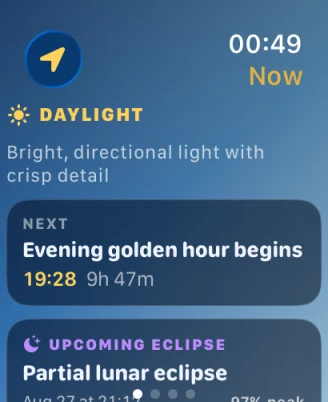
Submitted to the App Store
Moon Shadows 1.0 is with App Review. Native Mac and Apple TV editions are next.
Questions or feedback